
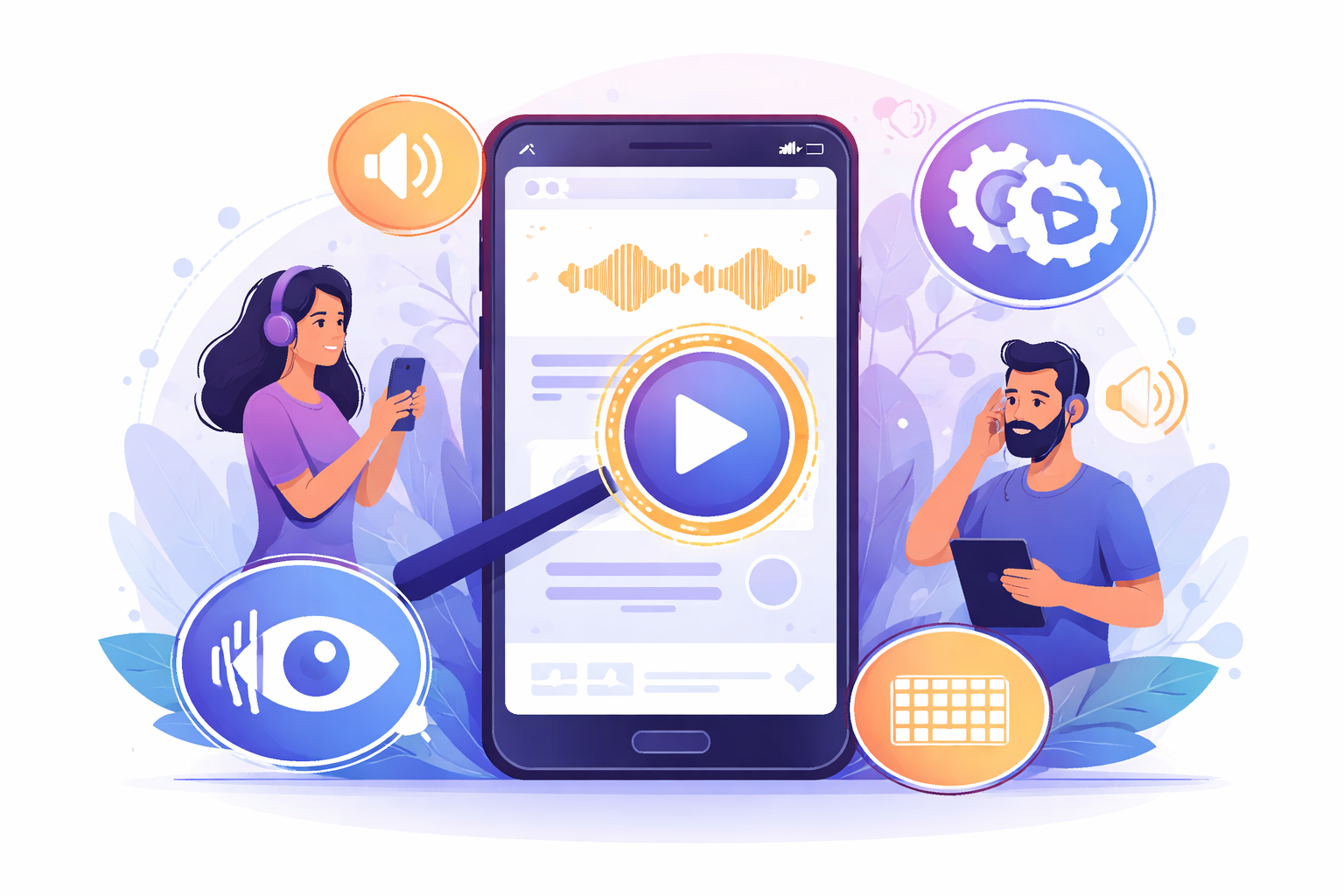
VoiceOver and TalkBack: What They Are, How They Work, and Why They Matter for Your App
Team • 3 April 2026Understanding Screen Readers: VoiceOver and TalkBack
In the realm of accessibility, two names you often hear are VoiceOver for iOS devices and TalkBack for Android. These are screen readers that play a crucial role in making digital experiences more inclusive. This guide will explore what they are, how they function, and why they should matter to you as an app developer or product manager.
What is a Screen Reader?
A screen reader is an assistive technology that reads out text and other elements on a screen for users with visual impairments. It allows users to interact with their devices and access content through audio feedback. Screen readers are essential tools for many users, providing them independence in navigating technology.
VoiceOver: iOS Accessibility
VoiceOver is Apple's built-in screen reader available on all iOS devices, including iPhones and iPads. It transforms gestures into vocal feedback, allowing users to know what’s on their screens. Here’s how it works:
- Activation: VoiceOver can be turned on via settings under Accessibility. Users can also ask Siri to enable VoiceOver.
- Navigation: Users can swipe left or right to move through items on the screen. A double-tap selects an item.
- Gestures: Special gestures allow users to scroll, activate items, and adjust settings without needing to see the screen.
TalkBack: Android Accessibility
TalkBack is the Android equivalent, offering similar functionality on Android devices. It's part of Google’s suite of accessibility tools and works as follows:
- Activation: It can be enabled within Accessibility settings or quickly toggled through settings shortcuts on some devices.
- Navigation: TalkBack users can swipe and tap to navigate their screens. They receive verbal cues about buttons, icons, and texts.
- Personalization: Users can adjust speech volume, pitch, and rate to suit their preferences.
Why They Matter for Your App
If your app is not accessible via these tools, it might not effectively reach a large segment of users. Here are a few reasons why ensuring your app works with VoiceOver and TalkBack is pivotal:
1. Inclusion: It's essential to provide equal access to all users, including those with disabilities.
2. Regulatory Compliance: Legal standards often require digital products to be accessible.
3. Wider Reach: Accessibility boosts your potential market by including users who rely on these technologies.
Using Screen Readers for Testing
To ensure your app is fully accessible:
- Test Regularly: Use VoiceOver and TalkBack during your QA process. Familiarizing your team with these tools can highlight accessibility issues early on.
- User Feedback: Include feedback from actual users of screen readers in your testing phases.
- Utilize Tools: Consider using accessibility testing tools that can integrate with your development environment.
References and Further Learning
For more detailed information and tips on using these screen readers:
- Visit Apple's Accessibility Page for resources on using VoiceOver.
- Explore Google’s Accessibility Resources to gain insights into TalkBack.
- Consider usability testing workshops or seminars focused on accessibility to enhance your understanding.
By integrating accessibility right from the design phase, you not only adhere to best practices but also create a positive user experience for everyone, including individuals with disabilities. Transform your app today into a more inclusive platform, opening doors for a more diverse user base.